McLovin: the cross-platform link router
Last week I wrote that link routing is the feature OSes and browsers pretend isn't there, and closed by saying this AI era could bring a cross-platform router, and that I'd be the number one promoter. The cross-platform piece didn't ship yet, but the Linux piece did. Today I'm launching McLovin.
Just like in Superbad, McLovin gets along with the Operating System (Officer Slater) and the browsers (Officer Michaels). Friends with both, he steers each link to the right place.
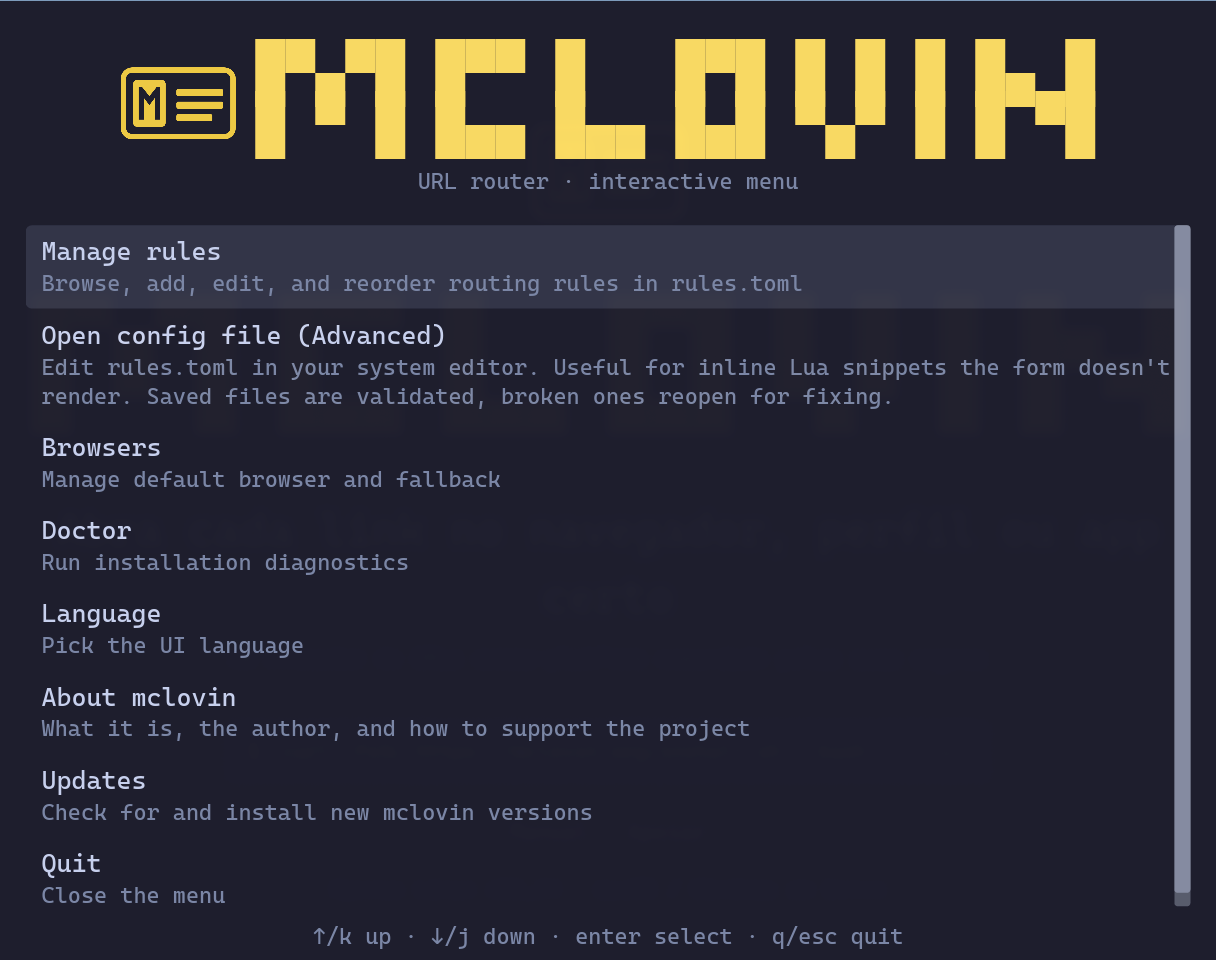 Main menu of the GUI
Why does McLovin exist?
On Mac I used Finicky. I switched to Linux with Omarchy almost a year ago and went looking for an equivalent. Junction only asks every time, mimi doesn't carry routing rules. The remaining path was "build your own", and I did. It worked well, with a TUI that paired nicely with Omarchy. Then I thought: this should be a built-in feature on every OS, the same way each OS has a rule for which app opens PDFs. So I decided to do McLovin the right way: a cross-platform router, configurable by anyone, with a browser picker when nothing matches and rules to send every link to the right place.
iOS and Android have the same problem, but that's for later.
What it is
McLovin registers as the system's default handler for http and https. When you click any link, in Slack, in your terminal, or in any other app, the OS hands the URL to McLovin. It reads rules.toml, decides where to send it, dispatches the right app or browser, and gets out of the way.
If no rule matches, a Walker-style picker shows the detected browsers and lets you pick one. Two frontends share one Rust core: a CLI for automation and keybinds, and a GUI (mclovin settings) for mouse and keyboard.
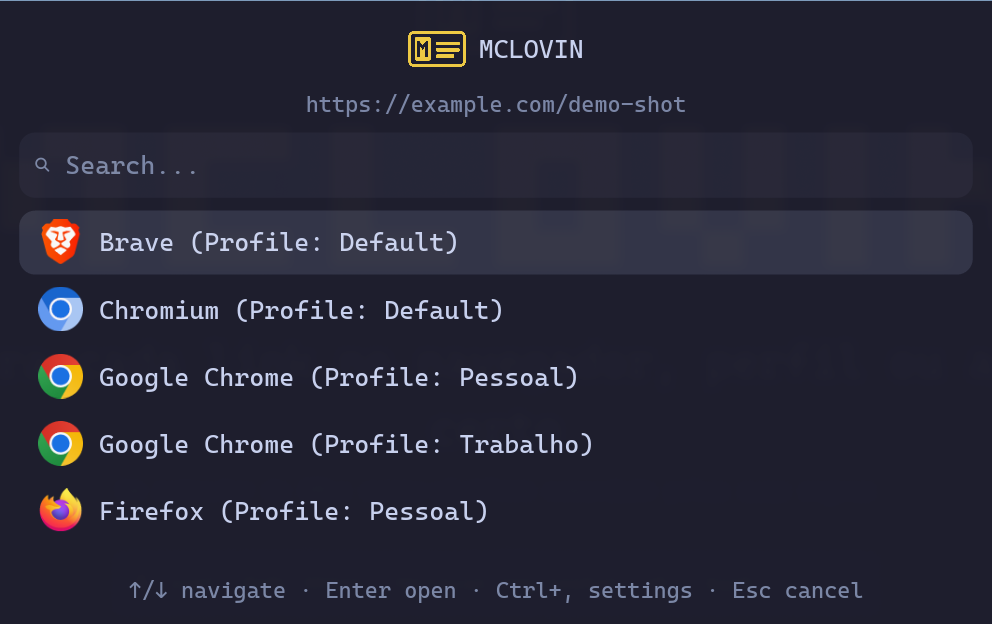 Picker shown when no rule matches
The rules
Rules live in ~/.config/mclovin/rules.toml. Three kinds: substring, regex with rewrite, and Lua for dynamic rules. A short example:
fallback_browser = "brave"

[[handler]]
match = "github.com/work-org"
command = "chrome --profile-directory='Profile 1' {url}"
description = "Work GitHub in the work Chrome profile"

[[handler]]
match_regex = '^https?://open\.spotify\.com/(\w+)/([^?#/]+)'
rewrite = "spotify --uri=spotify:{1}:{2}"
description = "Spotify links opened in the desktop app"

[[handler]]
match_lua = "ctx.url.host:find('work') and ctx.now.hour < 18"
command = "chrome --profile-directory='Profile 1' {url}"
description = "Work links during business hours"
fallback_browser covers anything that doesn't match. Lua runs in a sandboxed environment (no os.execute, no loadfile) and receives the URL context, the current time, and the app that triggered the click. Ready-made recipes come from mclovin examples.
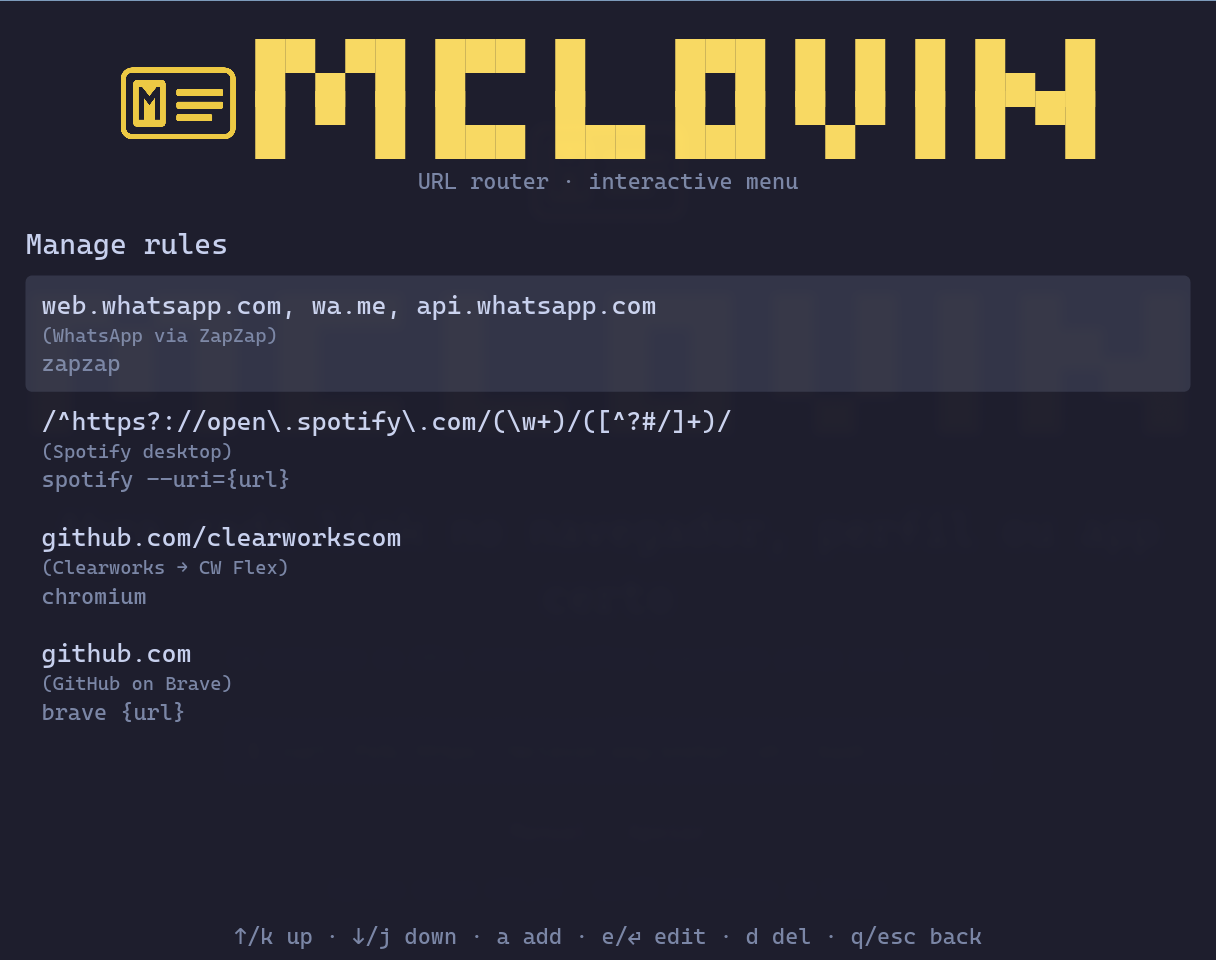 Rules list in the GUI
Status
The Linux alpha is working today. macOS and Windows are coming soon. Run into a problem? Open an issue on the mclovin-release GitHub.
Where to look
The full install guide, configuration manual, and rule examples live on the official site:
Wrapping up
In the previous post I wrote "I'd be the number one promoter" of a decent cross-platform router. I'm promoting mine. The cross-platform part isn't there yet, but Linux is.
Comments